How-to videos
Short videos that show you how to set up and run tours in Tour Management Made Right (TMMR).
-
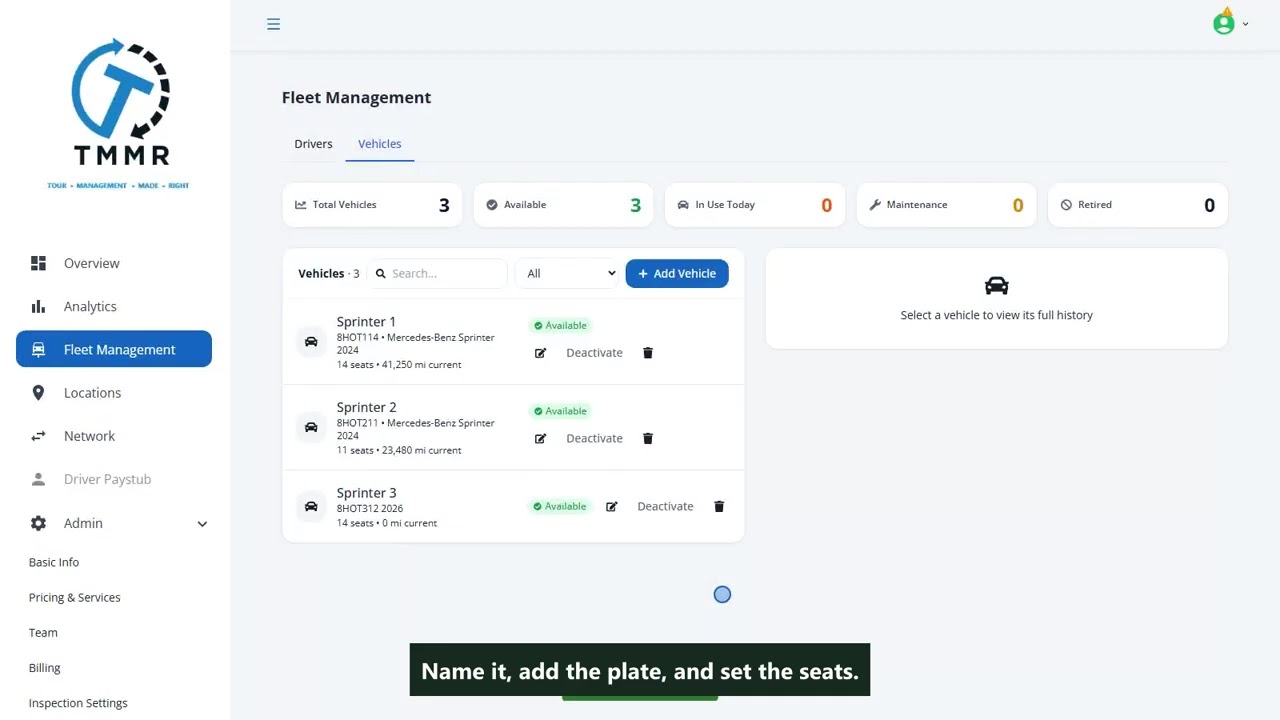
Set up your fleet in Fleet Management.
29 sec
-
Save the venues you visit, once.
27 sec
-
From guest details to a saved tour.
34 sec
-
Add stops and send it to your guest.
32 sec
-
Hide a stop or a line before you send.
31 sec
-
Change requests and messages in one thread.
25 sec
-
Inspection, route and post-tour form.
1 min 6 sec
-
Choose what your drivers check.
27 sec
-
Set your company defaults once.
30 sec
-
Flag it, see it, mark it paid.
55 sec
-
See who has paid on your Overview.
26 sec
-
Give staff their own login.
23 sec